What to check before buying a used phone
A used phone can be excellent value, provided you know exactly what to inspect first.
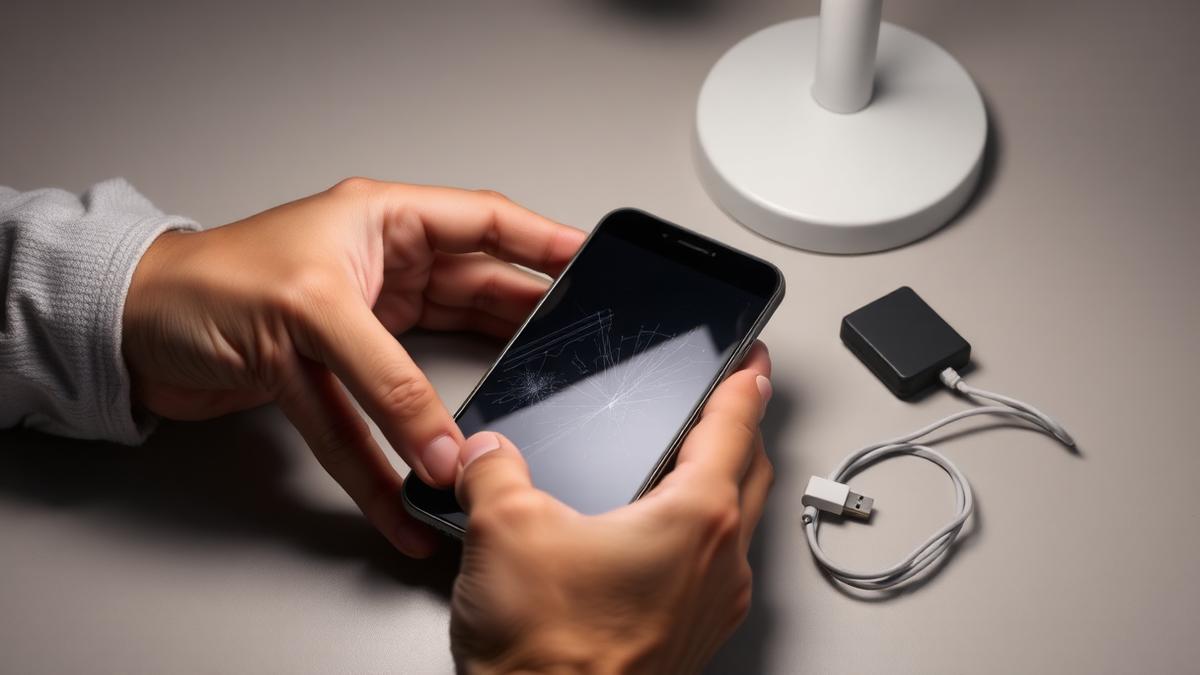
Buying a used phone can save a substantial amount of money compared to buying new, and modern phones are generally durable enough that a well-cared-for second-hand device can serve for years. The risk is that phones can carry hidden problems that are not obvious from a quick look, ranging from a worn battery to a device that is still linked to a previous owner's account. A short checklist can catch most of these issues before you commit.
Check the battery health, not just the charge level
Battery capacity degrades over time regardless of how carefully a phone was used, and a phone showing a full charge can still have significantly reduced overall capacity compared to when it was new. Most phones include a way to check battery health as a percentage of original capacity in the settings menu. A battery that has dropped well below its original capacity will need replacing sooner, which is a cost worth factoring into the price.
Confirm the device is not locked to an account
Many phones include account-level locks designed to make a stolen device useless to anyone but the original owner. Before buying, ask the seller to fully sign out of any such account in front of you, or at minimum confirm it in writing, and verify this yourself before completing the purchase. A phone still linked to a previous owner's account can become permanently unusable.
Check for carrier or network locks
Some phones are locked to a specific network provider, which limits your ability to switch to a different carrier later. This is not necessarily a dealbreaker if you intend to stay with that provider, but it is worth knowing before you buy, since unlocking a phone after the fact is not always possible or straightforward.
Practical checks to run in person
- Check the battery health percentage in settings
- Confirm all accounts are removed or verified accessible
- Test the screen for dead pixels or discolouration, including at low brightness
- Test all buttons, the charging port, and the cameras
- Check the phone connects properly to wifi and, if relevant, a mobile network
- Verify the phone still receives software updates for its model
Physical inspection matters
Screen damage is not always obvious under normal lighting, so it is worth checking the display at a low brightness in a dim room, where cracks and pressure marks tend to show up more clearly. It is also worth testing the charging port with your own cable, since a loose or damaged port is a common and often overlooked fault on older devices.
Check software update support
Phone manufacturers eventually stop providing software and security updates for older models. A phone that is near or past the end of its supported update lifespan will become progressively less secure over time, even if it still works perfectly well. It is worth checking how many years of support the specific model has left before buying, particularly if you intend to use it for several years.
Verify it has not been reported lost or stolen
Devices with a unique hardware identifier can often be checked against databases that track lost or stolen reports. This check is quick and can prevent a situation where a phone is later blocked from network access entirely, which would make it useless regardless of its physical condition.
Negotiating with confidence
Once you have gone through these checks, you are in a strong position to either proceed confidently or negotiate the price down based on genuine issues you found, such as reduced battery health or minor screen damage. A used phone bought with this level of care is often a genuinely excellent purchase, combining a lower price with a device you understand fully before you rely on it.
About the author
Idris Oyelaran covers consumer technology, privacy and applied science. He is happiest explaining a complicated system in ordinary language, and he tests every recommendation on his own devices before it appears in a story.