A Calm Approach to Home Wi-Fi Troubleshooting
Most slow or dropping connections trace back to a handful of common, fixable causes.
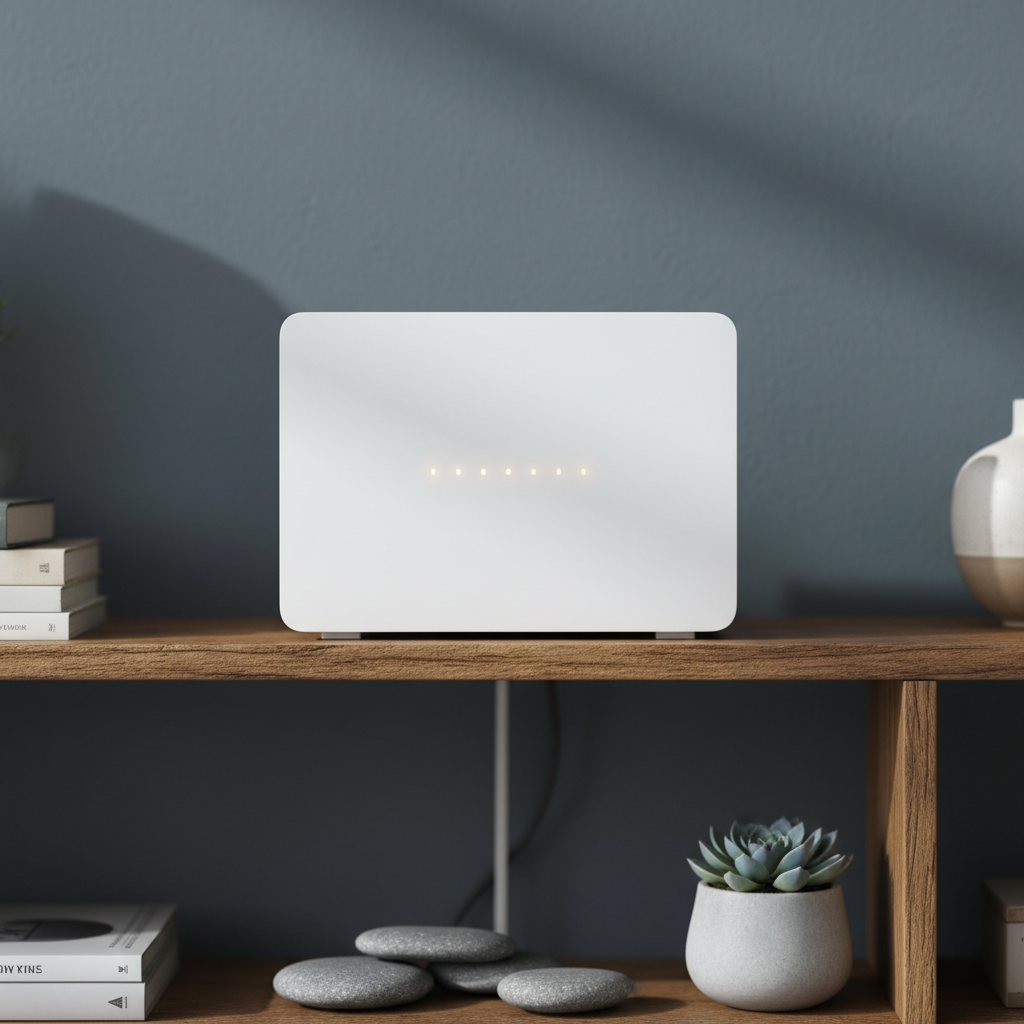
Few small frustrations are as universally shared as a video call freezing mid-sentence or a webpage that simply refuses to load, while the little light on the router blinks on unconcerned. Home Wi-Fi trouble is one of the most common technology complaints, and yet the causes are usually mundane and fixable once you know where to look. The trick is working through the possibilities in a sensible order rather than jumping straight to the most drastic fix.
Start by identifying what kind of problem you actually have
Not all Wi-Fi problems are the same, and treating them as one undifferentiated issue wastes time. Broadly, problems fall into a few categories: no connection at all, a connection that works but is slow, and a connection that drops intermittently. Each points towards different likely causes.
No connection versus slow connection
A complete lack of connection often points to something upstream, such as the internet provider's service itself, a modem fault, or a router that has genuinely crashed and needs restarting. A slow but present connection more often points to congestion, interference or a router placement problem, since the signal is getting through but struggling to carry data efficiently.
The restart, done properly
The advice to turn it off and on again is a cliché precisely because it works remarkably often, but doing it properly matters. Power down both the modem and the router, wait a full thirty seconds so any residual charge dissipates and internal memory clears, then power the modem back on first and wait for it to fully establish a connection before powering on the router. This order matters because the router depends on the modem for its own connection to be established correctly.
Why restarts help so often
Routers are small computers running continuously for months at a time, and like any computer, they can accumulate minor software glitches, memory leaks or misconfigured connection states that a fresh restart clears out entirely. This is not a sign of a faulty router; it is simply a quirk of long-running embedded devices.
Placement matters more than most people expect
Wi-Fi signals are radio waves, and radio waves are affected by distance, walls, and interference from other electronics in ways that are easy to underestimate. A router tucked inside a cabinet, behind a television, or in a basement will perform noticeably worse than the same router placed centrally and in the open.
Good and poor placements compared
| Placement | Typical effect |
|---|---|
| Central location, elevated, open air | Best coverage throughout the home |
| Inside a cabinet or behind a TV | Significant signal loss, especially at higher frequencies |
| Corner of the house, ground floor | Weak signal in opposite corners and upper floors |
| Near a microwave or cordless phone base | Intermittent interference during use of those devices |
Understanding the two main frequency bands
Most modern routers broadcast on two frequency bands simultaneously, generally labelled 2.4GHz and 5GHz, and sometimes a newer 6GHz band on more recent equipment. Each has different strengths, and understanding the trade-off helps explain why a device might connect but perform poorly.
2.4GHz versus 5GHz
- 2.4GHz travels further and penetrates walls better, but is slower and more prone to congestion since many household devices use this same band
- 5GHz offers faster speeds and less congestion but has a shorter effective range and struggles more with walls and floors
- Devices far from the router, such as a smart speaker in a garden shed, often perform better forced onto the 2.4GHz band
- Devices doing demanding tasks nearby, such as streaming in the same room as the router, benefit from the 5GHz band where available
Congestion from neighbours and other devices
In densely populated buildings, dozens of Wi-Fi networks can be broadcasting on overlapping channels simultaneously, each competing for the same limited radio spectrum. Most modern routers select channels automatically, but this automatic selection does not always find the least congested option. Router administration apps or web interfaces typically offer a way to view nearby networks and manually select a quieter channel, which can produce a surprisingly noticeable improvement in busy buildings.
Devices that interfere without you realising
Microwave ovens, older cordless phones, baby monitors and even some smart home hubs can interfere with the 2.4GHz band specifically, since they often operate in the same frequency range. If a connection consistently drops at the same time each day, it is worth considering whether a household appliance with a predictable usage pattern might be the cause.
When the problem is coverage, not speed
In larger homes, or homes with thick walls, a single router positioned in one spot may simply be unable to provide a strong signal everywhere. This is a coverage problem rather than a speed problem, and no amount of channel switching will fully fix it. Mesh Wi-Fi systems, which use multiple coordinated units placed around the home, are specifically designed to address this by handing a device off between units as you move around, generally providing a much more even signal than extending a single router's reach with a basic repeater.
A simple diagnostic checklist
- Confirm whether the problem is no connection, slow connection, or intermittent dropping
- Restart the modem and router properly, in the correct order
- Check and improve the router's physical placement
- Try manually switching to a less congested channel if the option is available
- Test whether the problem is worse in specific rooms, suggesting a coverage rather than a speed issue
When it genuinely is the provider's fault
After ruling out the above, some problems really do trace back to the internet service itself, particularly at peak evening hours in areas with heavily shared local infrastructure. If a wired connection directly into the modem shows the same slowness as the wireless connection, that is a reasonably strong sign the issue sits upstream of the router entirely, and contacting the provider becomes the sensible next step rather than further fiddling with home equipment.
Working through these possibilities in order, rather than randomly changing settings, generally resolves the great majority of home Wi-Fi complaints without needing new equipment at all. For related guidance on getting the most from home technology, see our wider technology section.
About the author
Helena Vos writes about media, culture and how small businesses actually operate. She previously worked in independent publishing, which is where she learned to distrust round numbers and unsourced statistics.