What actually makes a good password manager
Not all password managers are equal, and the differences matter more than most people realise.
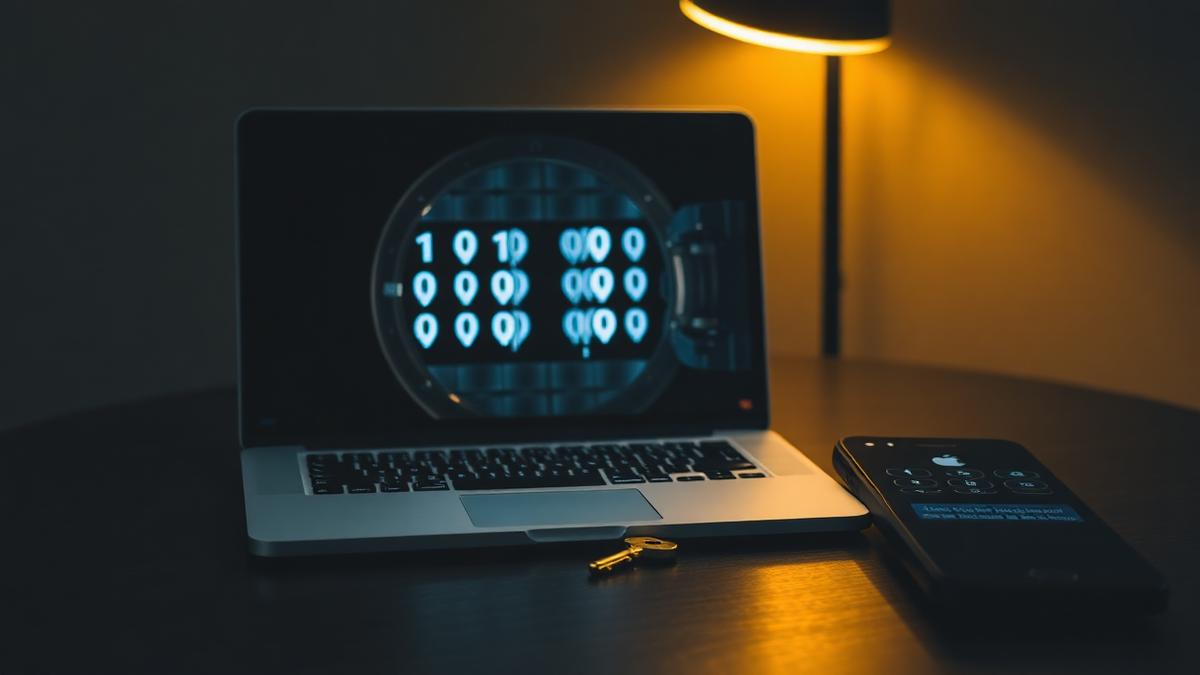
Reusing the same handful of passwords across many accounts is still one of the most common security habits, despite years of advice against it. Password managers exist to solve this problem by generating and storing a unique, complex password for every account, so you only need to remember one master password. But not all password managers are built the same way, and some of the differences have real consequences.
Strong encryption is the baseline, not the whole story
Any reputable password manager should encrypt your stored passwords using well-established methods, so that even the company running the service cannot read your data without your master password. This is table stakes, not a differentiator, and any product that treats strong encryption as a premium feature is worth avoiding entirely.
Zero-knowledge design
A meaningful distinction is whether the provider uses a zero-knowledge architecture, meaning your data is encrypted and decrypted only on your own device, never on the company's servers. This matters because it limits the damage if the provider itself is ever breached. Attackers who steal encrypted data they cannot decrypt have gained far less than attackers who steal a database the company itself could read.
A genuinely random password generator
The core value of a password manager is that it removes the temptation to create memorable, and therefore guessable, passwords. A good generator should let you control length and character types, and should default to lengths that meaningfully resist modern cracking techniques. Longer passwords are generally more valuable than complex ones, since a long password built from random words can be both stronger and easier to type when you occasionally need to.
Convenient but careful autofill
Autofill is what makes a password manager usable day to day, since typing complex passwords manually defeats the purpose. However, autofill should be precise about matching websites exactly, to avoid the risk of a manager offering credentials to a lookalike phishing site. This is a subtle but important security detail that varies significantly between products.
Recovery options that do not undermine security
Every password manager needs some way to recover access if you forget your master password, but recovery methods can become a weak point if handled carelessly. Look for options like secure recovery codes generated at setup, or trusted device confirmation, rather than anything that could let an attacker reset your vault through a simple support request.
Support for two-factor authentication
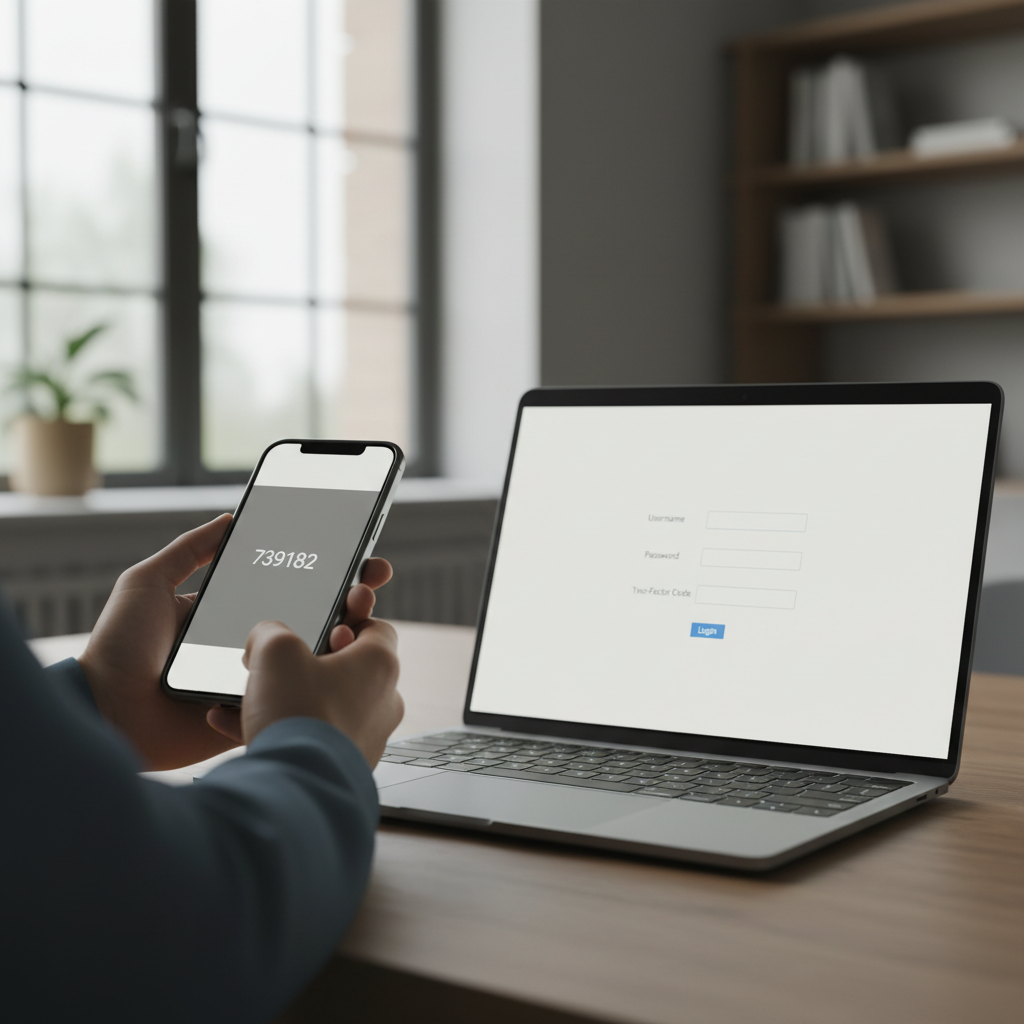
Many password managers can also store and generate two-factor authentication codes, and increasingly support newer passwordless standards. This is convenient, though it is worth considering whether storing both your password and your second factor in the same place reduces the protective value of having two separate factors at all, particularly for your most sensitive accounts.
Comparing the essentials
| Feature | Why it matters |
|---|---|
| Zero-knowledge encryption | Limits damage from a server-side breach |
| Cross-device sync | Makes the manager practical for daily use |
| Strong random generator | Removes the temptation to reuse passwords |
| Exact-match autofill | Reduces phishing risk |
| Secure recovery process | Prevents account lockout without weakening security |
Habits still matter
A password manager reduces risk, but it does not eliminate the need for good judgement. A strong, unique master password, kept only in your memory, remains essential, along with two-factor authentication wherever it is offered. For a broader look at protecting your accounts online, see our internet coverage on related topics.
The bottom line
The best password manager is one you will actually use consistently, with strong defaults that do not require you to become a security expert. Focus on zero-knowledge architecture, a strong generator, and careful autofill behaviour, and you will have covered the features that matter most in practice.
About the author
Idris Oyelaran covers consumer technology, privacy and applied science. He is happiest explaining a complicated system in ordinary language, and he tests every recommendation on his own devices before it appears in a story.