Practical ways to speed up an ageing laptop
Before you buy a replacement, a handful of unglamorous fixes can add years of useful life.
A laptop that once felt fast can start to feel sluggish within a few years, and the instinct is often to assume it needs replacing. In many cases, though, a slow laptop is suffering from accumulated software clutter and outdated settings rather than genuine hardware failure. Before spending money on a new machine, it is worth working through a short list of fixes that address the most common causes of slowdown.
Check what is actually using resources
Most operating systems include a built-in tool that shows which programs are consuming processor time, memory, and disk activity. Opening this before doing anything else tells you whether the slowdown is caused by one runaway program, background processes you forgot about, or something more fundamental. It is a five-minute check that prevents wasted effort elsewhere.
Reduce what starts automatically
Over time, many programs quietly add themselves to the list of software that launches when you turn the computer on. Individually each one seems harmless, but collectively they can add a significant delay to startup and continue consuming memory afterward. Reviewing this list and disabling anything you do not need running constantly is one of the most reliable ways to improve everyday responsiveness.
Free up storage space
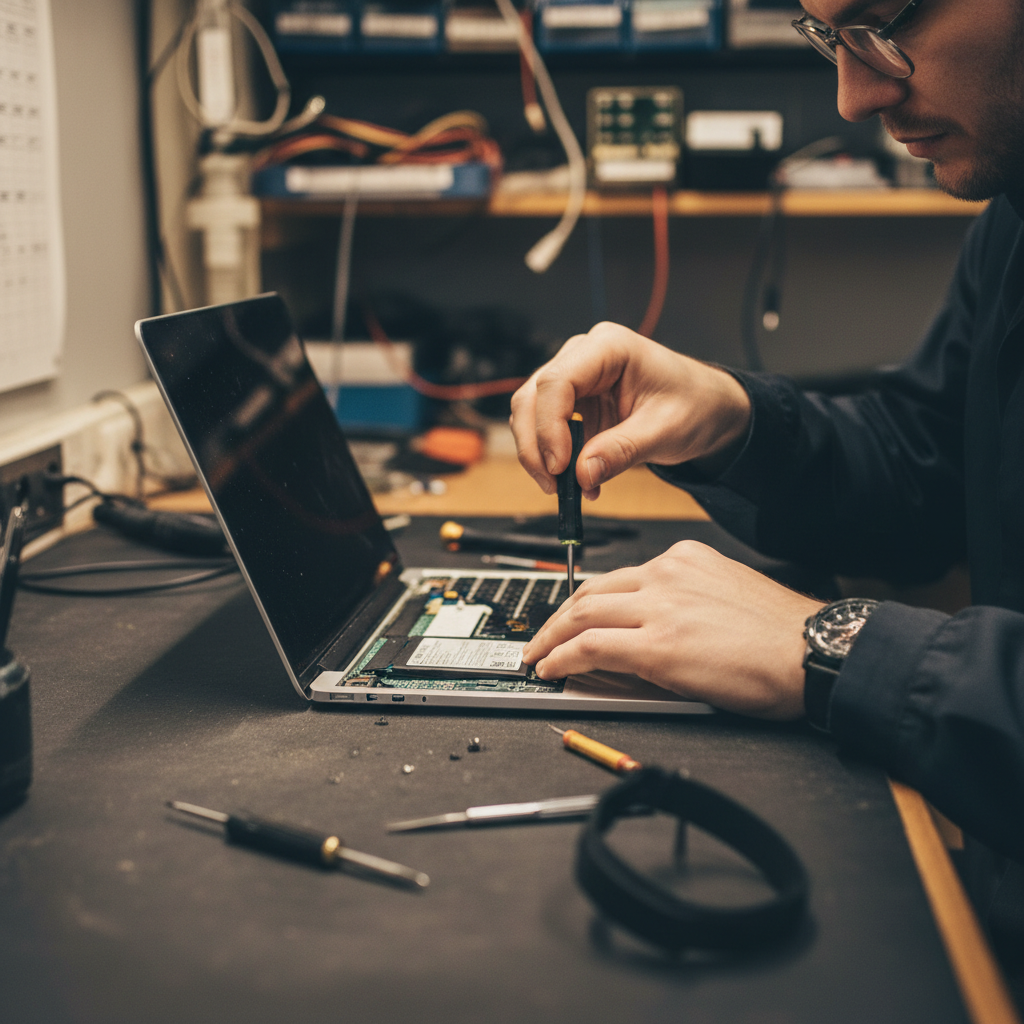
Storage drives, particularly older mechanical ones, slow down noticeably as they fill up. Clearing out large unused files, old downloads, and duplicate media can make a real difference, especially if the drive is close to full. On laptops with traditional hard drives, upgrading to a solid-state drive is often the single biggest performance improvement available, since it affects nearly everything the computer does.
Quick storage wins
- Clear the downloads folder of files you no longer need
- Uninstall applications you have not opened in the last year
- Move large media files to external or cloud storage
- Empty the recycle bin or trash, which some people forget actually holds space
Keep software up to date, within reason
Operating system and driver updates often include performance improvements alongside security fixes, so staying reasonably current is worthwhile. That said, major operating system upgrades on older hardware can sometimes do the opposite, adding features the hardware was not designed to run efficiently. If a laptop is genuinely old, it is worth checking whether the manufacturer still recommends the latest version for that specific model before upgrading.
Add memory if the laptop allows it
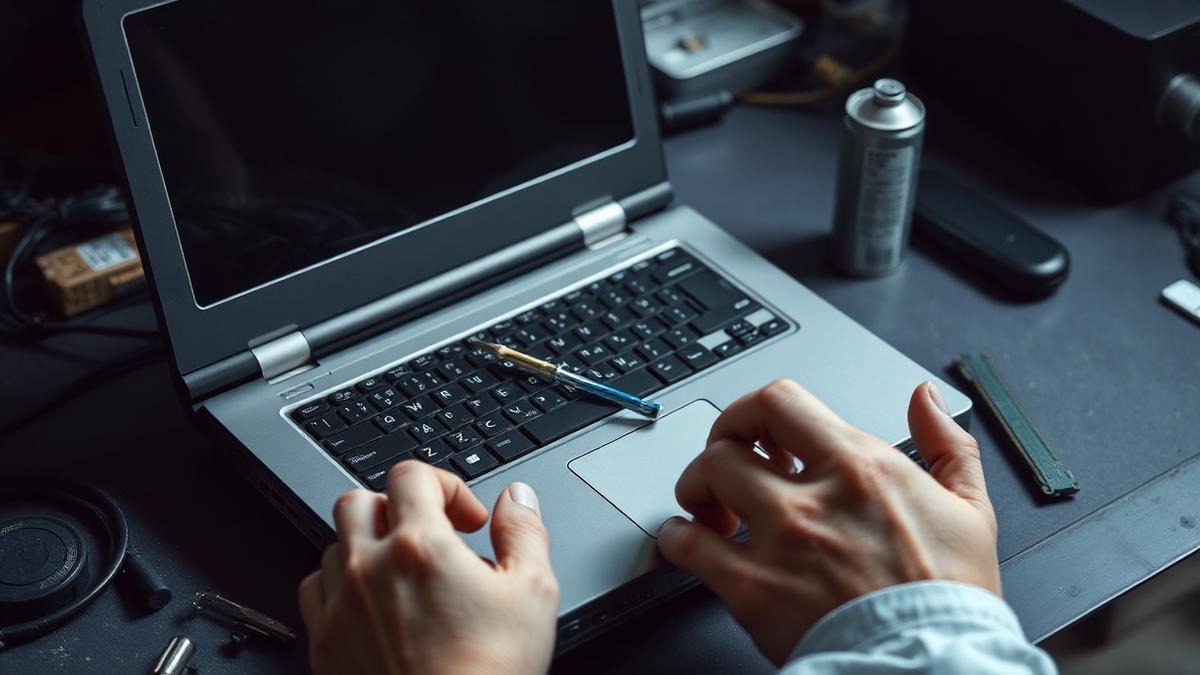
Running out of available memory forces a computer to use slower storage as a substitute, which causes the kind of stutter and delay that feels like the whole system has ground to a halt. On laptops where the memory is upgradeable, adding more is often inexpensive relative to the improvement it delivers. Not all modern laptops allow this, so it is worth checking specifications before assuming it is possible.
Know when replacement genuinely makes more sense
Some limits cannot be fixed with cleanup or upgrades. A processor that is many generations old will struggle with modern software regardless of how much free storage or memory it has. If a laptop needs an upgrade to its core processor to keep up, that generally means a new machine rather than a component swap. The fixes above are worth trying first, but it helps to recognise the point where diminishing returns set in.
Set realistic expectations
Even a well-maintained older laptop will not match the raw speed of new hardware, and that is fine for many everyday tasks like browsing, writing, and video calls. The goal of this kind of maintenance is not to make an old machine feel brand new, but to remove the artificial slowdowns that accumulate over time, so the laptop performs as well as its age reasonably allows.
About the author
Idris Oyelaran covers consumer technology, privacy and applied science. He is happiest explaining a complicated system in ordinary language, and he tests every recommendation on his own devices before it appears in a story.