Organising your digital files for good
A simple, durable system beats a clever one you will abandon within a month.
Most people have tried to organise their files at least once, usually in a burst of enthusiasm after failing to find something important. The folders get created, a few files get sorted, and within weeks everything drifts back into a pile on the desktop. The problem is rarely a lack of effort. It is usually that the system chosen was too fragile to survive contact with ordinary, busy life.
Why most systems fail
Elaborate folder structures with dozens of categories look organised on the day you build them, but they demand constant decisions. Every new file forces you to ask which of fifteen folders it belongs in, and when the answer is not obvious, the file ends up sitting on the desktop instead. A good system minimises the number of decisions you have to make at the moment you are saving something, because that is precisely when you have the least patience for filing.
Start with fewer, broader categories
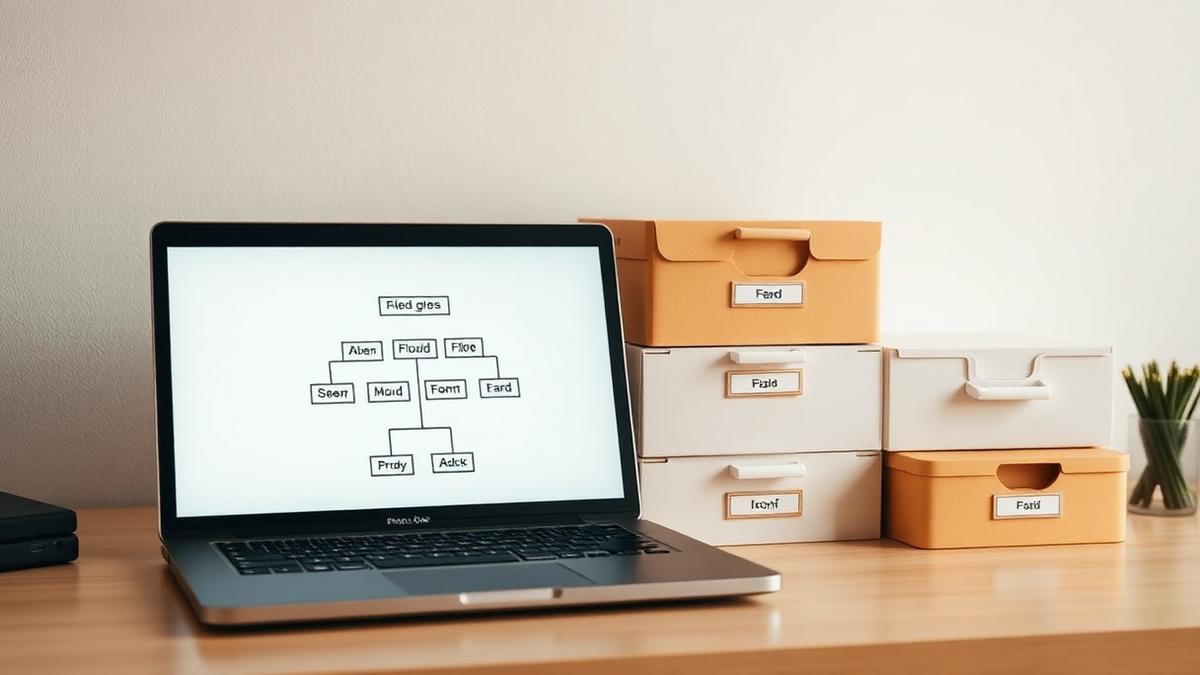
A small number of broad top-level folders will serve you better than many narrow ones. Something like Work, Personal, Finance, Reference, and Archive covers most needs without requiring much thought. Narrower organisation can happen inside these folders over time, but it should never be a requirement at the point of saving a file.
Naming matters more than folders
Search has become good enough that a consistent naming convention often does more work than a folder hierarchy. A useful pattern is to put the date first in a sortable format, followed by a short descriptive name, for example 2026-03-14-tax-return-draft. This means files sort chronologically by default, and a quick search for a keyword will usually surface what you need regardless of which folder it ended up in.
A simple naming checklist
- Use a consistent date format at the start of the filename when order matters
- Keep names short but specific enough to recognise months later
- Avoid special characters that behave differently across operating systems
- Use hyphens or underscores instead of spaces if you share files across platforms
Deal with the backlog separately from new habits
Trying to reorganise years of accumulated files in one sitting is exhausting and rarely finishes. It is more sustainable to set the backlog aside in a single Archive folder, searchable but untouched, and focus your energy on building good habits for new files going forward. You can return to the archive gradually, or simply leave it as a searchable reference that you rarely need to browse manually.
Build in a regular, tiny maintenance habit
Rather than a large annual clean-up, a short and recurring habit works better. Spending a few minutes at the end of each week clearing your desktop and downloads folder prevents clutter from accumulating to the point where it feels overwhelming. This is far easier to sustain than an occasional, large reorganisation project.
Let backup and sync do some of the thinking
Cloud storage and backup services can reduce the mental overhead of organisation by making files available regardless of which device you are using, and by keeping a version history in case you need to recover something. If you are unsure how to set this up so it runs quietly in the background, our piece on backing up data without thinking about it, elsewhere in this section, covers the practical steps.
The test of a good system
A file system is working if you can find something specific within about thirty seconds, most of the time, without remembering exactly where you put it. If you consistently cannot, the fix is usually not more folders, but better names and a habit of tidying regularly rather than rarely. Durability, not cleverness, is what makes an organisation system actually last.
About the author
Idris Oyelaran covers consumer technology, privacy and applied science. He is happiest explaining a complicated system in ordinary language, and he tests every recommendation on his own devices before it appears in a story.