How to back up your data without thinking about it
The best backup system is the one that runs whether or not you remember it exists.
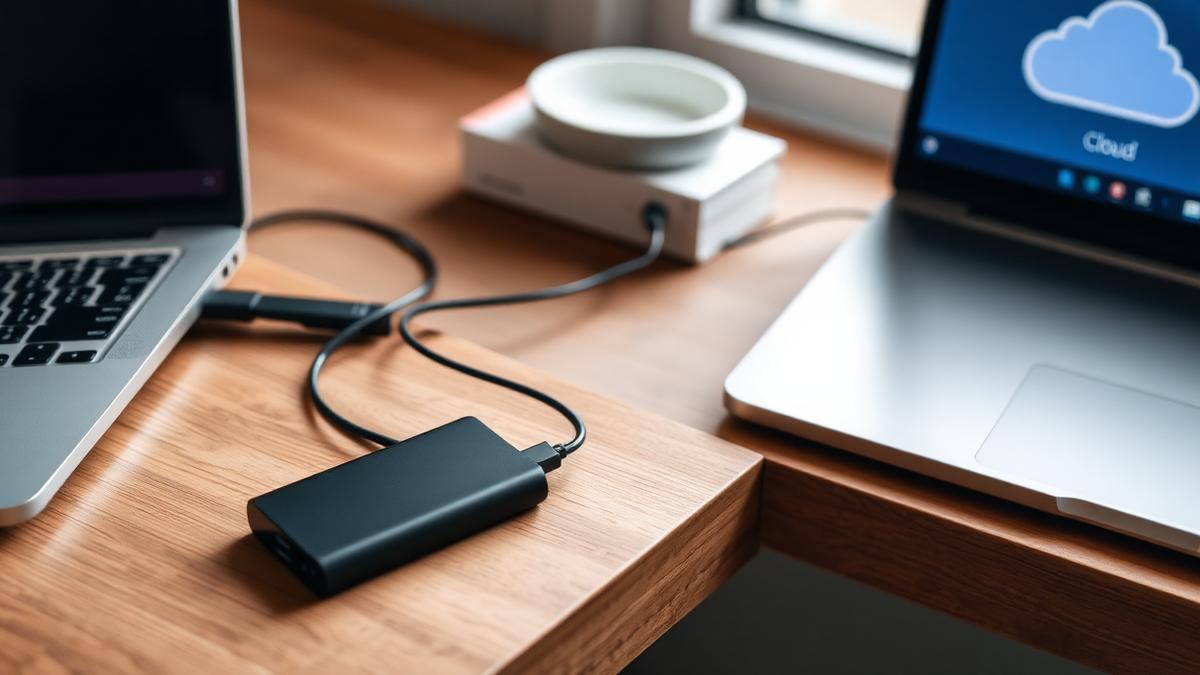
Almost everyone agrees that backing up important files is a good idea, and almost everyone still has at least one folder of irreplaceable photos or documents that only exists in one place. The gap between intention and practice exists because manual backups depend on remembering to do them, and remembering reliably is hard to sustain over years. The solution is to remove yourself from the process entirely.
The rule of three copies
A widely used guideline suggests keeping at least three copies of anything genuinely important: the original, plus two backups on different types of storage, with at least one of those kept somewhere physically separate from the others. This protects against the most common failure modes, including device theft, hardware failure, and local disasters like fire or flooding, none of which a single backup can survive.
Automate the boring part
The single most effective change you can make is switching from manual to automatic backups. Most operating systems include a built-in backup tool that can run on a schedule without any ongoing input, copying your files to an external drive or a cloud service in the background. Once configured correctly, this requires essentially no further effort, which is exactly the point.
A simple automated setup
- Enable your operating system's built-in backup tool and point it at an external drive or cloud storage
- Turn on automatic photo and document sync for your phone, so new photos are backed up as soon as you take them
- Set a calendar reminder every few months to confirm the backup is still running, rather than relying on daily attention
- Keep one backup copy offsite, either through a cloud service or a drive stored somewhere other than your home
Cloud storage as a passive safety net
Cloud storage services that automatically sync a folder on your computer are particularly effective because the backup happens continuously and invisibly, the moment a file changes. This is a meaningful improvement over backup schedules that run once a day or once a week, since it minimises how much recent work could be lost between backups.
Do not forget your phone
Phones often hold the most irreplaceable content people own, namely years of photos, yet phone backups are frequently overlooked because the device feels less like a computer that needs protecting. Enabling automatic photo backup, along with a full device backup to the cloud or a computer, closes this gap without requiring you to remember to plug anything in.
Test your backups occasionally
A backup you have never tested is an assumption, not a guarantee. Periodically, try restoring a single file from your backup to confirm it actually works and that the data is intact. This does not need to be frequent, but doing it at least once after setting up a new system will catch configuration mistakes before you actually need the backup in an emergency.
Encryption for offsite and cloud backups
Since backups often contain the same sensitive information as your original files, it is worth ensuring backups are encrypted, particularly if they are stored on a physical drive that could be lost or stolen, or with a cloud provider. Most modern backup tools and cloud services support this by default, but it is worth confirming rather than assuming.
The payoff
The value of an automated backup system only becomes obvious the day something goes wrong, whether that is a dropped laptop, a failed hard drive, or a lost phone. At that point, the difference between a system that runs quietly in the background and one that depends on remembering to do it manually is the difference between an inconvenience and a genuine loss.
About the author
Helena Vos writes about media, culture and how small businesses actually operate. She previously worked in independent publishing, which is where she learned to distrust round numbers and unsourced statistics.