What happens when you type a URL and press enter
A single keystroke sets off a chain of technical steps most of us never think about.
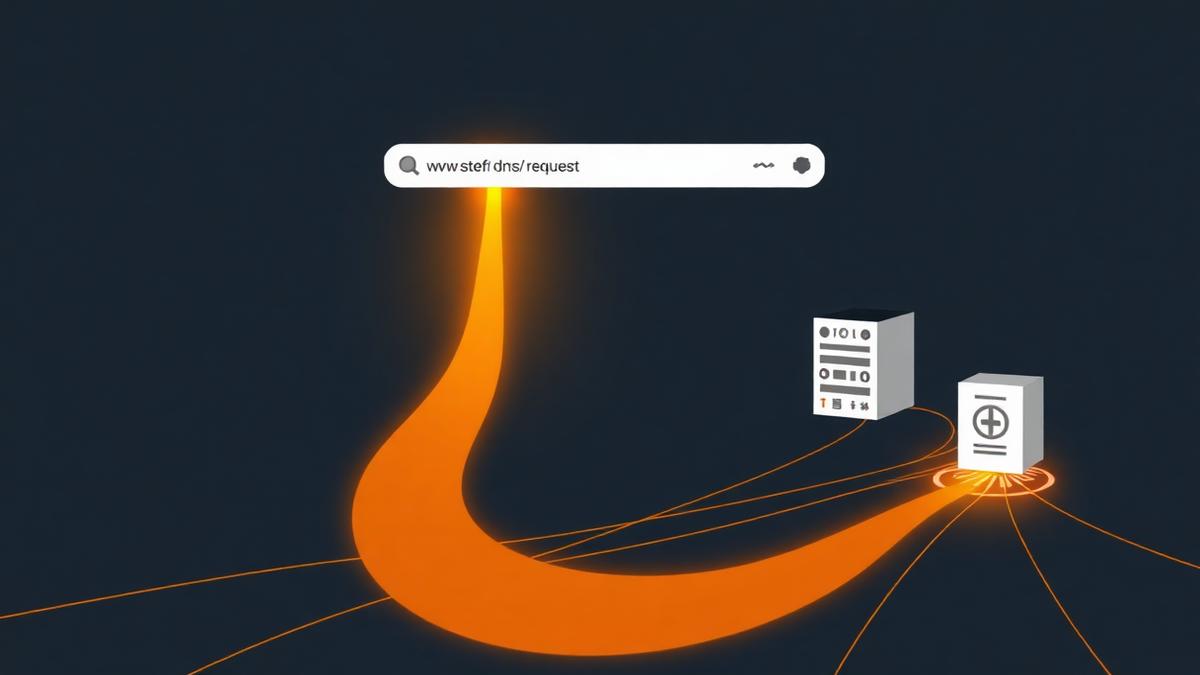
Typing a web address and pressing enter feels instantaneous, and for most people it is a completely unremarkable action performed dozens of times a day. Underneath that simplicity, though, a surprisingly involved sequence of steps takes place in a fraction of a second, involving your browser, several intermediate systems, and the server hosting the site you asked for. Understanding this process demystifies a lot of what happens elsewhere online.
Step one: parsing what you typed
Your browser first has to interpret what you actually typed. It checks whether this looks like a valid web address or more like a search query, and if it is a web address, it identifies the pieces: the protocol, which determines how the connection will be secured, the domain name, and any specific page path you included.
Step two: finding the address behind the name
Domain names exist because they are easier for people to remember than the numerical addresses computers actually use to route information. Your browser needs to translate the domain name into one of these numerical addresses, a process handled by a system that functions somewhat like a phone book for the internet. This lookup is often cached, meaning it has already been done recently and is stored temporarily, which is part of why repeat visits to a site can feel faster.
Step three: establishing a connection
Once your browser has a numerical address, it opens a connection to the server at that address. For secure sites, this includes an additional handshake step where your browser and the server agree on encryption, verify the server's identity using a certificate, and establish a secure channel before any actual page content is exchanged. This is what the padlock icon in your browser's address bar is confirming.
Step four: the request and response
With a connection established, your browser sends a request for the specific page you asked for. The server processes this request, which might involve looking up data in a database, and sends back the requested content, generally starting with the structure of the page itself, followed by additional resources like images, stylesheets, and scripts.
A simplified sequence
- Browser interprets the typed address
- Domain name is translated into a numerical address
- A connection, often encrypted, is established with the server
- The browser requests the page and the server responds
- The browser renders the page, requesting additional resources as needed
Step five: rendering what you see
As the browser receives the page structure, it begins building what you will actually see, requesting additional resources like images and fonts as it discovers references to them within the page. It also runs any scripts included on the page, which can modify what is displayed or fetch further data after the initial load. This is why some pages appear to finish loading and then continue to change slightly afterward.
Why this usually feels instant
Several layers of caching make this entire process feel far faster than it would otherwise be. Domain lookups, and sometimes entire pages or resources, are often stored temporarily on your device or at intermediate points along the route, meaning many of these steps can be skipped or shortened on repeat visits. This caching is part of why the same website can feel slower the very first time you visit it compared to subsequent visits.
Where performance and security intersect this process
Every stage in this sequence is a point where delays can accumulate or security can be strengthened, which connects directly to broader topics like how websites measure performance and how encryption protects your connection, both covered elsewhere in our internet coverage.
A process worth appreciating
None of this is visible during ordinary use, which is precisely the point of good engineering: an enormously complex sequence of lookups, connections, and rendering steps compressed into something that feels like pressing a single key and immediately seeing a result.
Sources
About the author
Helena Vos writes about media, culture and how small businesses actually operate. She previously worked in independent publishing, which is where she learned to distrust round numbers and unsourced statistics.